Virtual Reality Makerspace
The Virtual Reality Makerspace is a collaborative learning environment developed for the UBC’s Department of Language and Literacy Education and UBC Master of Educational Technology Program. Its purpose is to give remote students a space where they can build and solve problems together without needing access to a physical makerspace. For this work term, I was both a software developer and the project lead, which meant in addition to writing code I managed our team meetings, updated trello boards, organized project documentation and was a liaison between our team and the stakeholders. I will mainly be discussing my contributions on this page but if you want to learn more about the project overall, you can click the link here:
Our stakeholders wanted the following features in the VR Makerspace:
- Adding materials to the space
- Ability to pick up and position objects
- Procedural object slicing/manipulation
- Multiplayer sessions
System Architecture
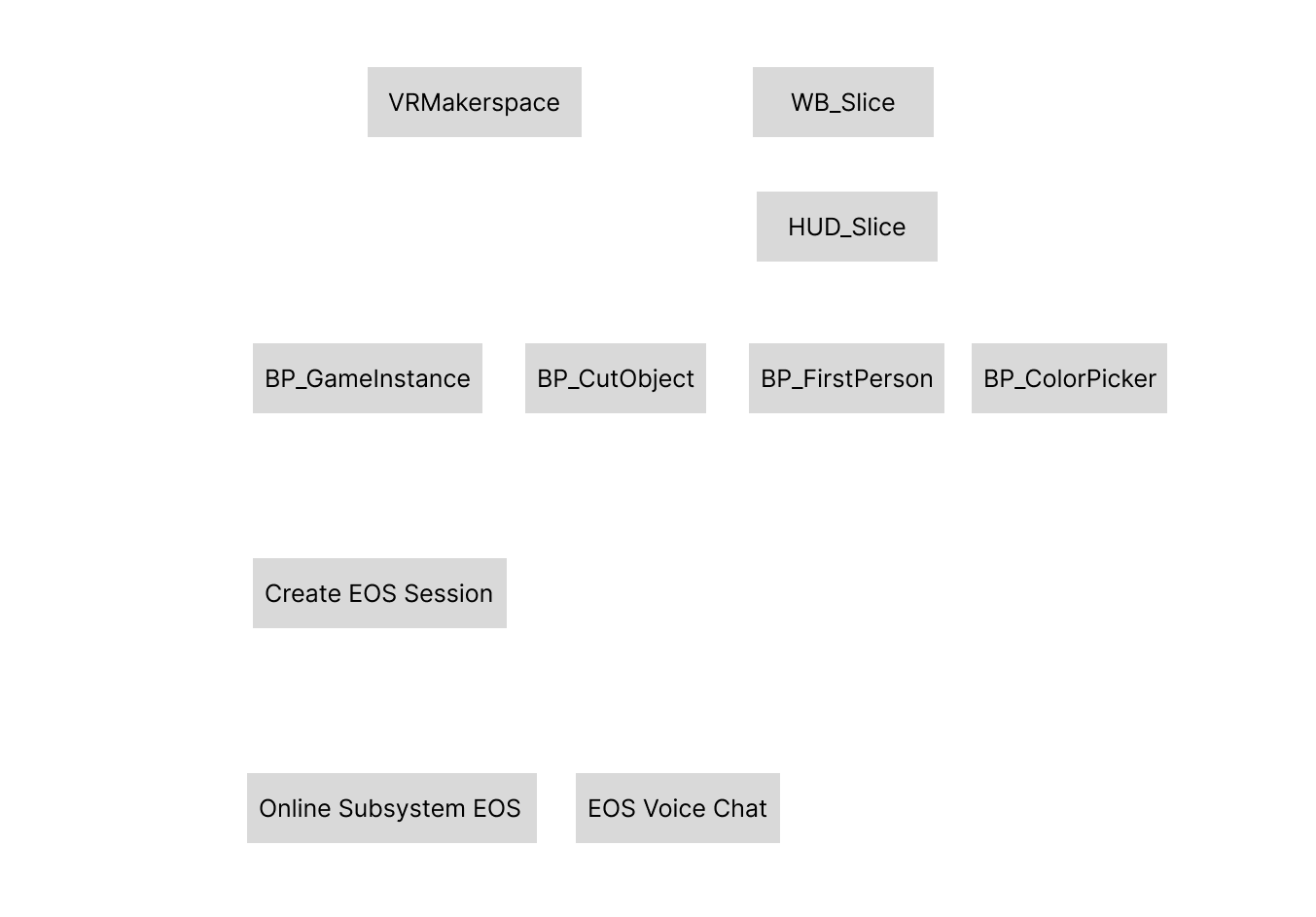
For the VR Makerspace, I used Unreal Engine 5.3.1, UE5 Blueprints, C++, Epic Online Services, and VR hardware. All of the initial interactions were done in first person before migrating everything into virtual reality. The application should work with all common VR headsets like the Oculus Quest, PlayStation VR, and VIVE. Here’s how the application components were arranged in the final product:
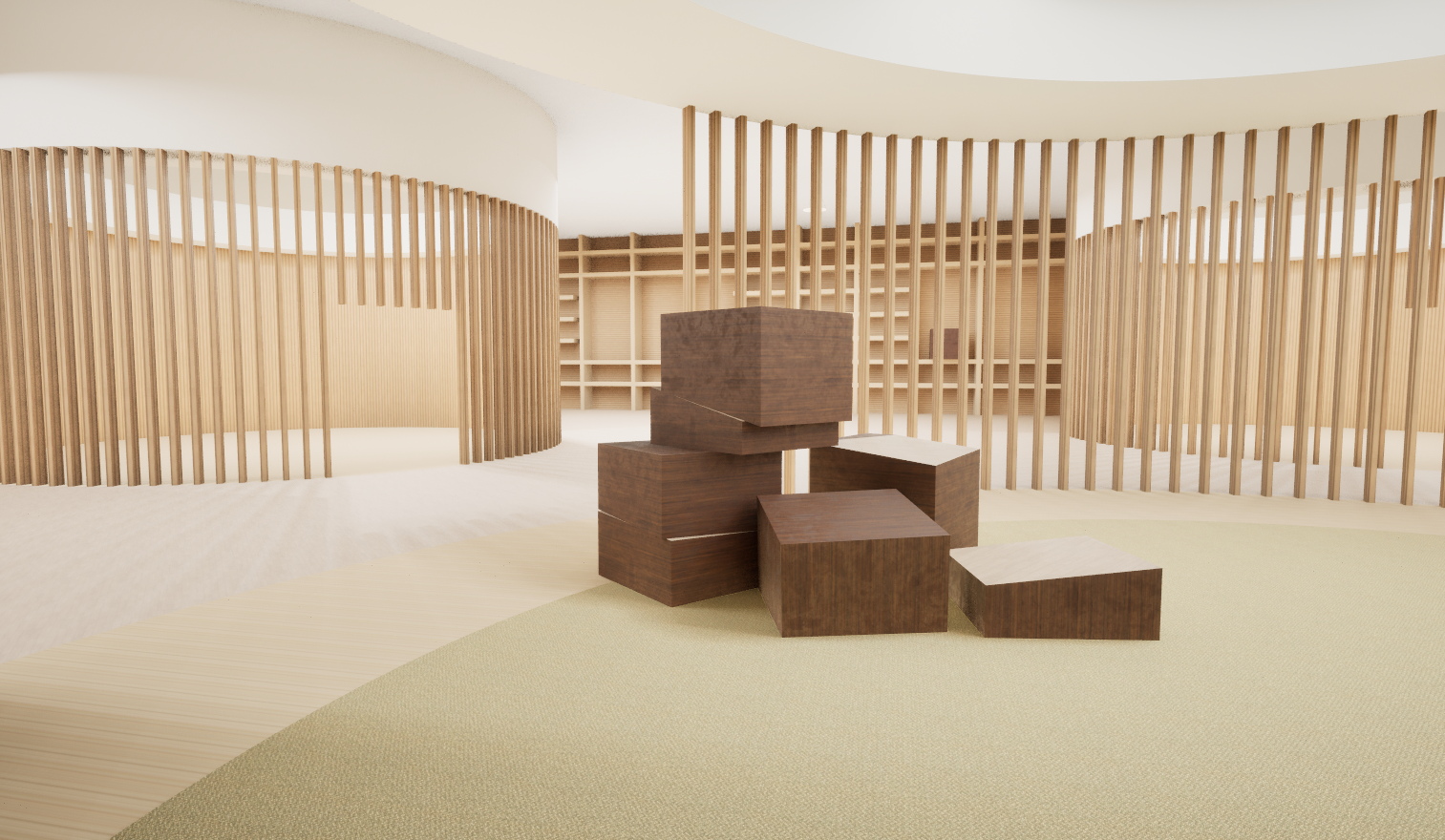
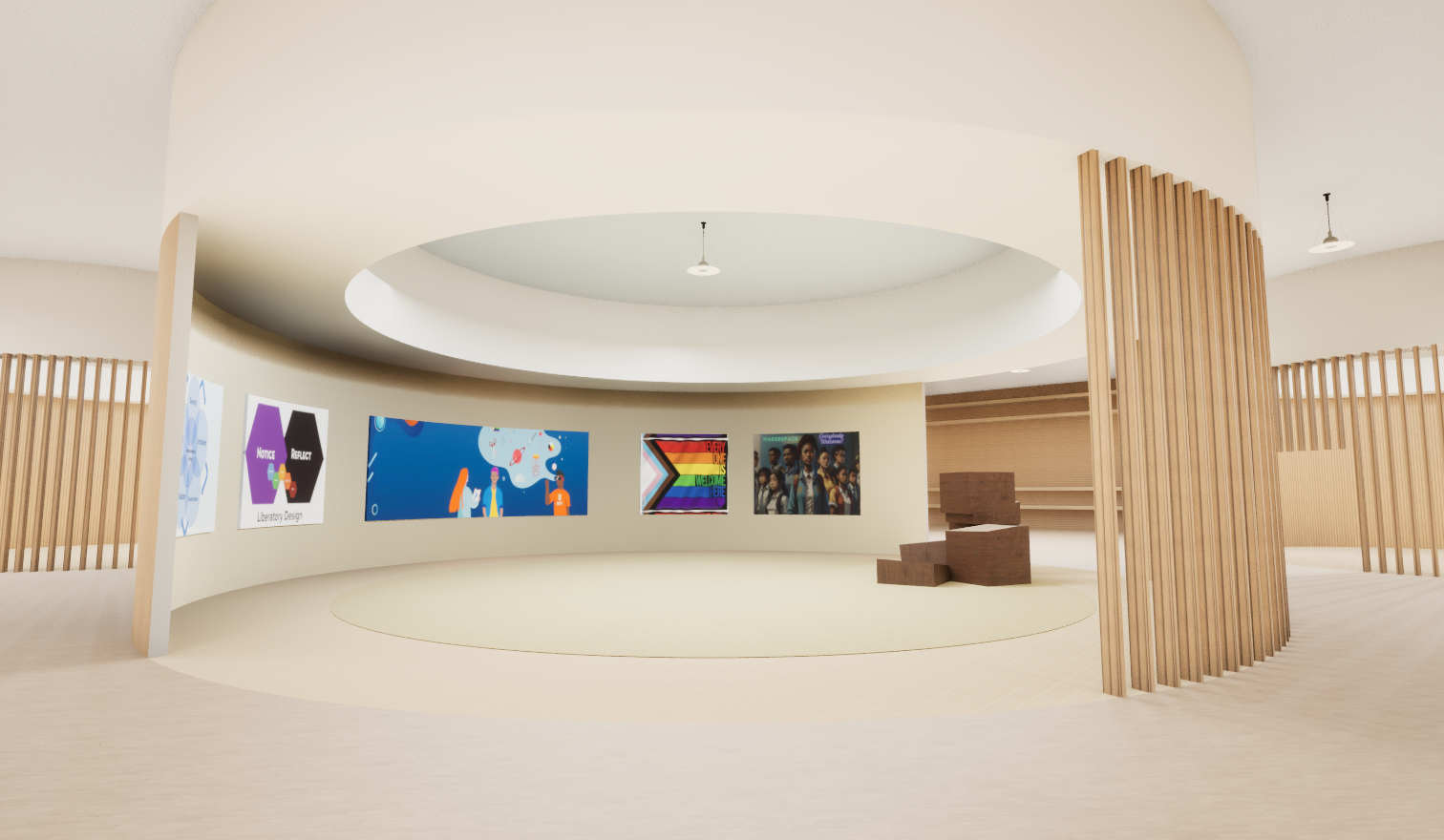
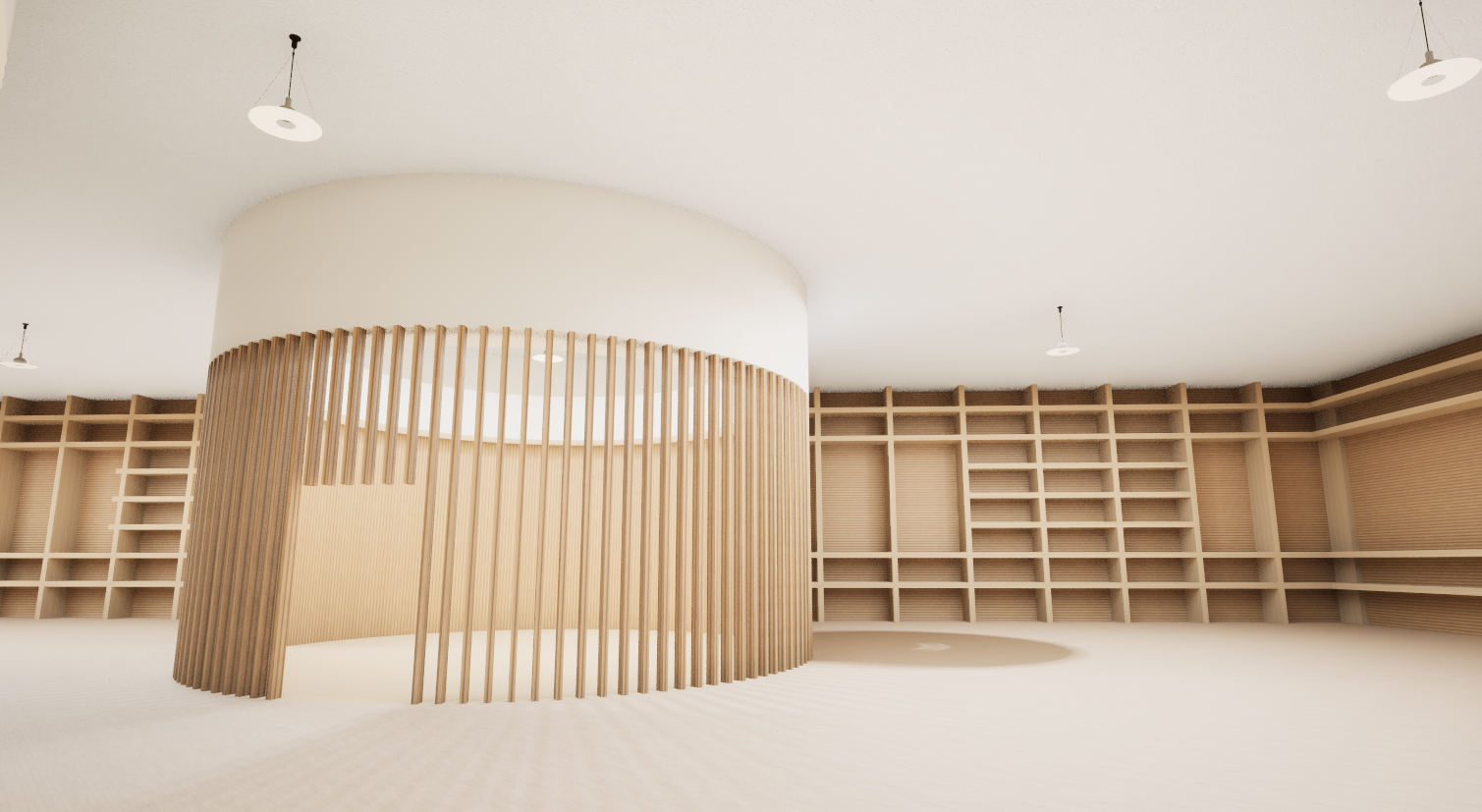
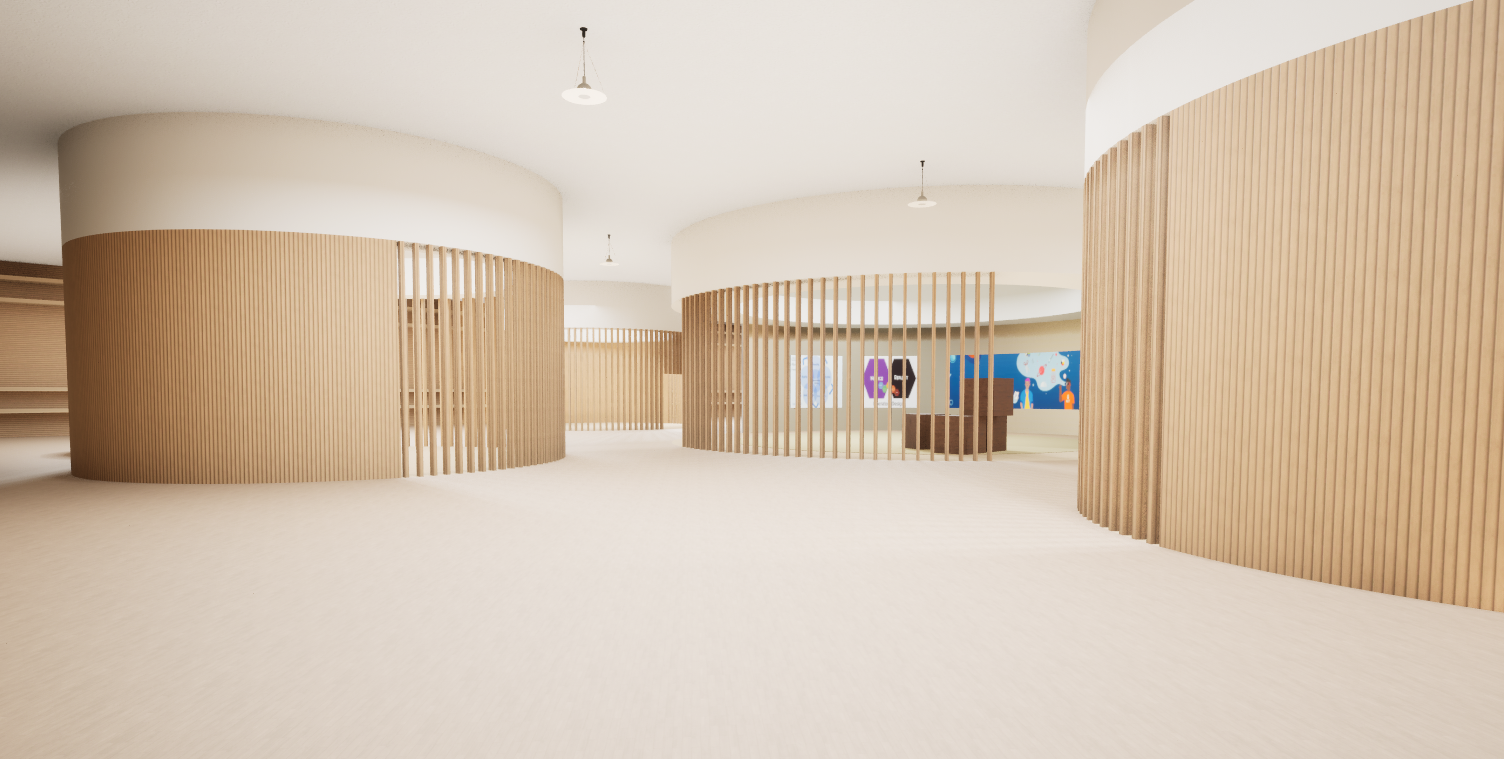
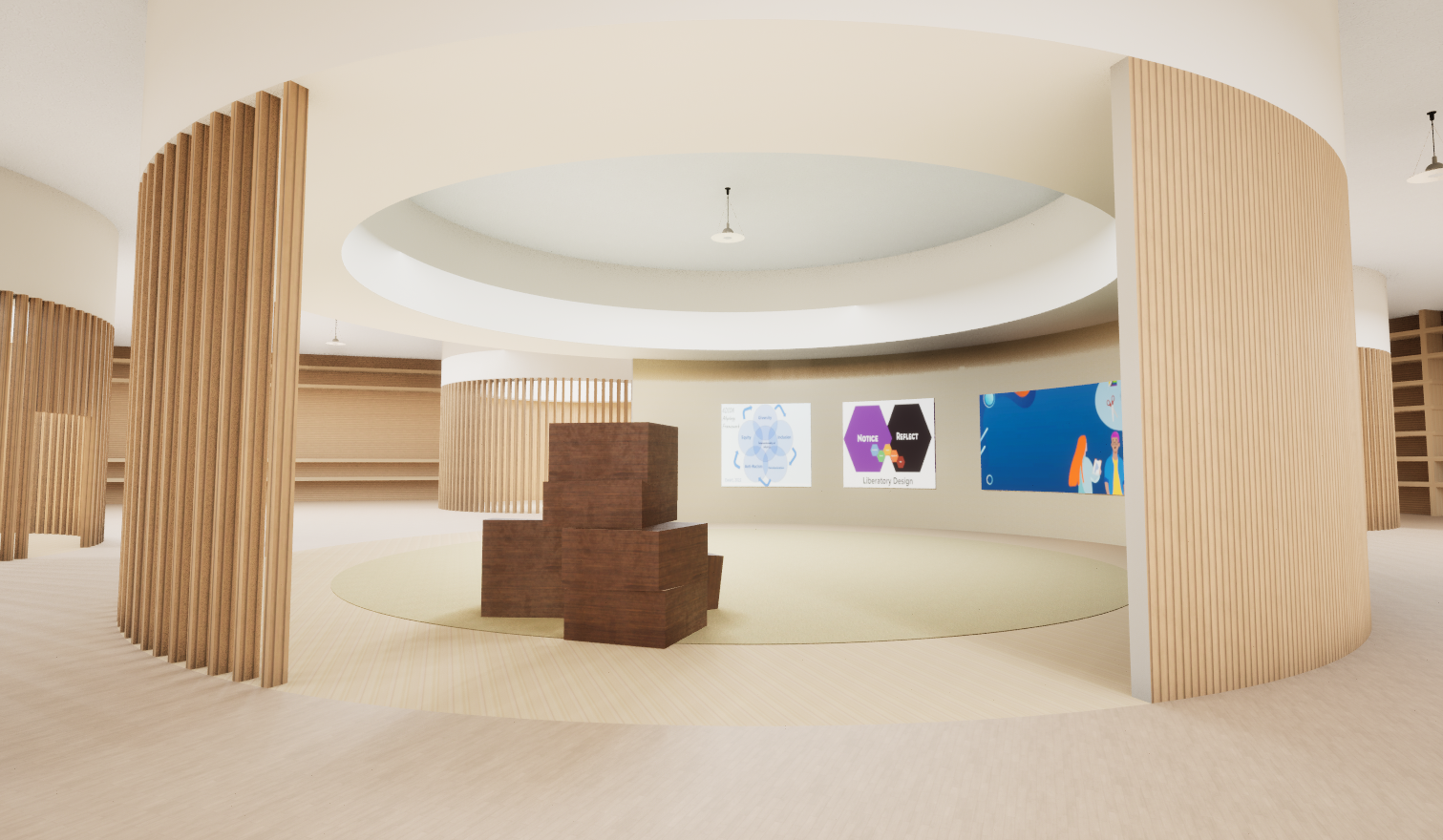
During team meetings, our stakeholders emphasized the importance of making the makerspace feel inclusive. My role in this was implementing BP_ColorPicker, which allowed parts of the avatar’s appearance to be customizable. The designers on the team made the space an open environment and put up inclusive posters around the area. Here are some images of what the makerspace looks like:
Object Spawning and Interactions
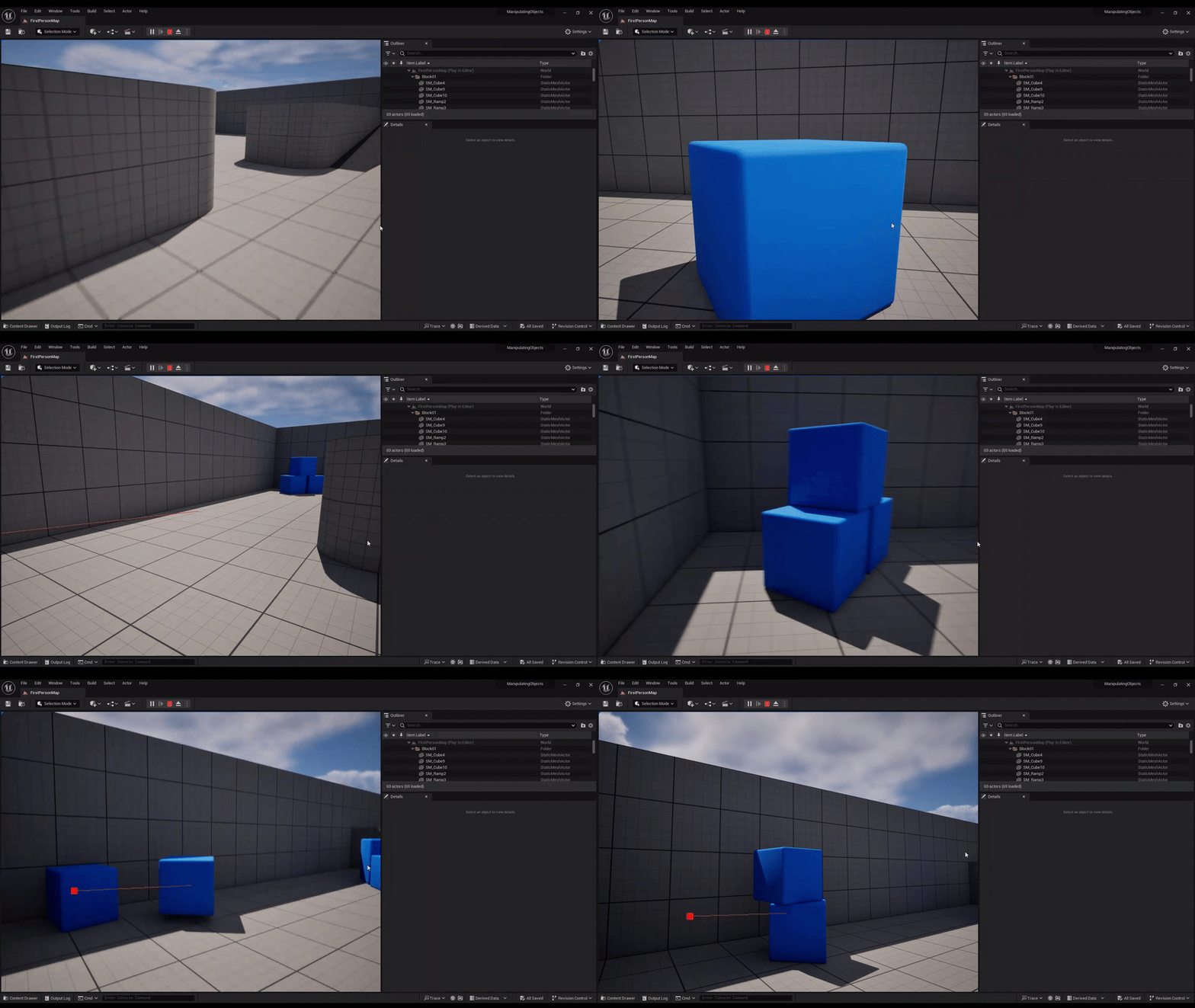
The first feature I had to figure out was making sure users can add new materials to the makerspace, pick them up and be able to reposition them to build and work with. Examples of materials:
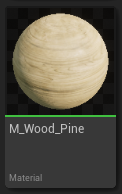
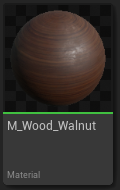
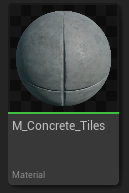
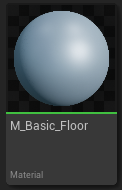
I implemented this using the VR pawn and first person blueprints in UE5. For Oculus Touch devices (which is what we used for testing), being able to spawn new materials was mapped to the B button and movement was mapped to the right thumbstick. Any materials added to the makerspace had the BP_CutObject actor class and slicing system, so they can be cut into specific pieces for building if needed.
Procedural Object Slicing
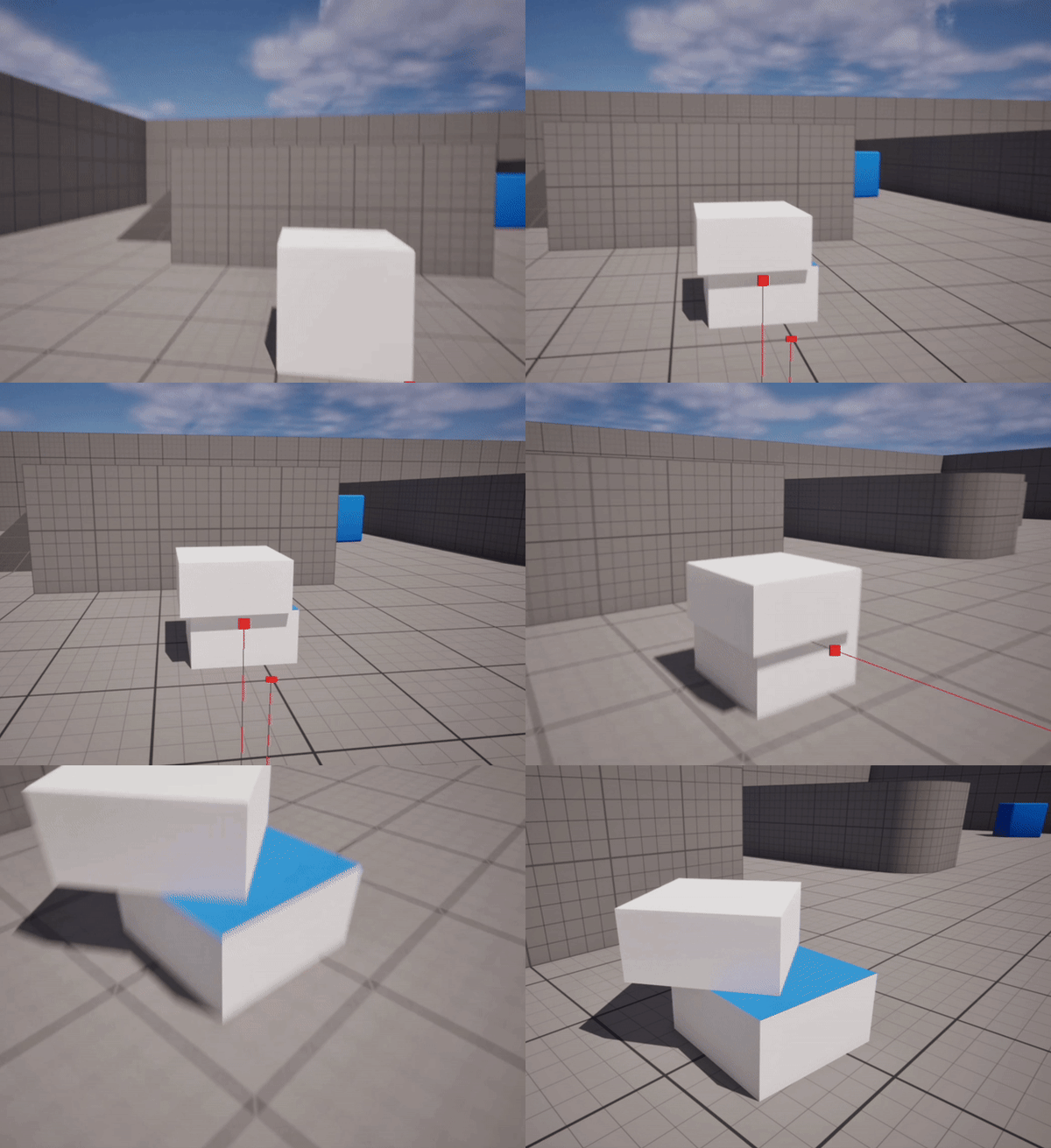
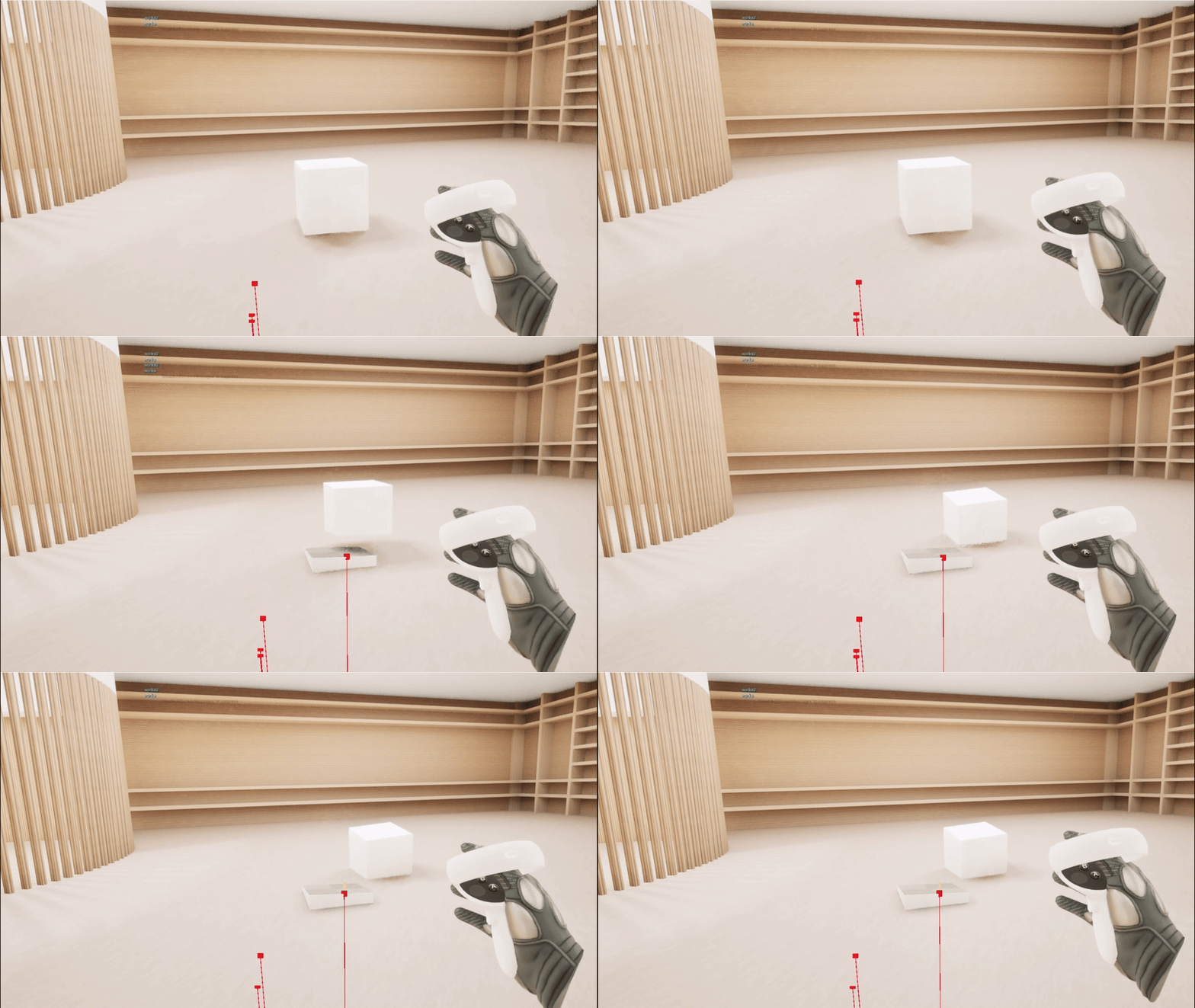
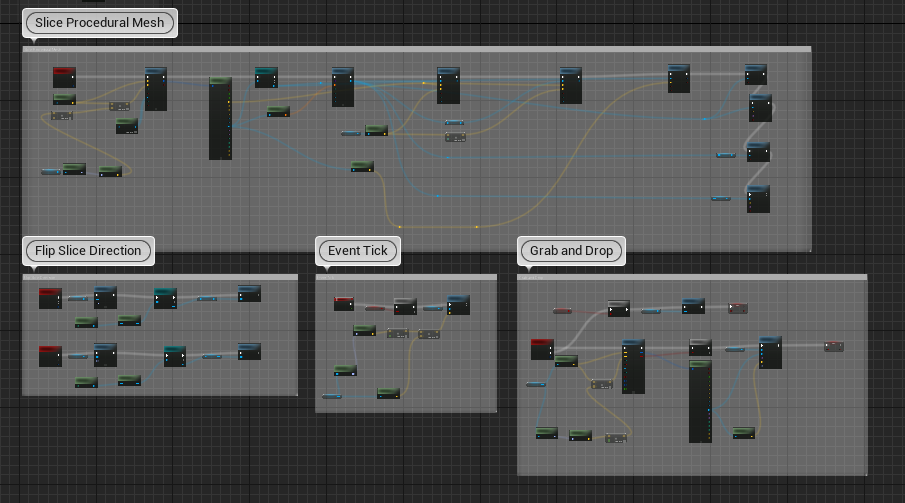
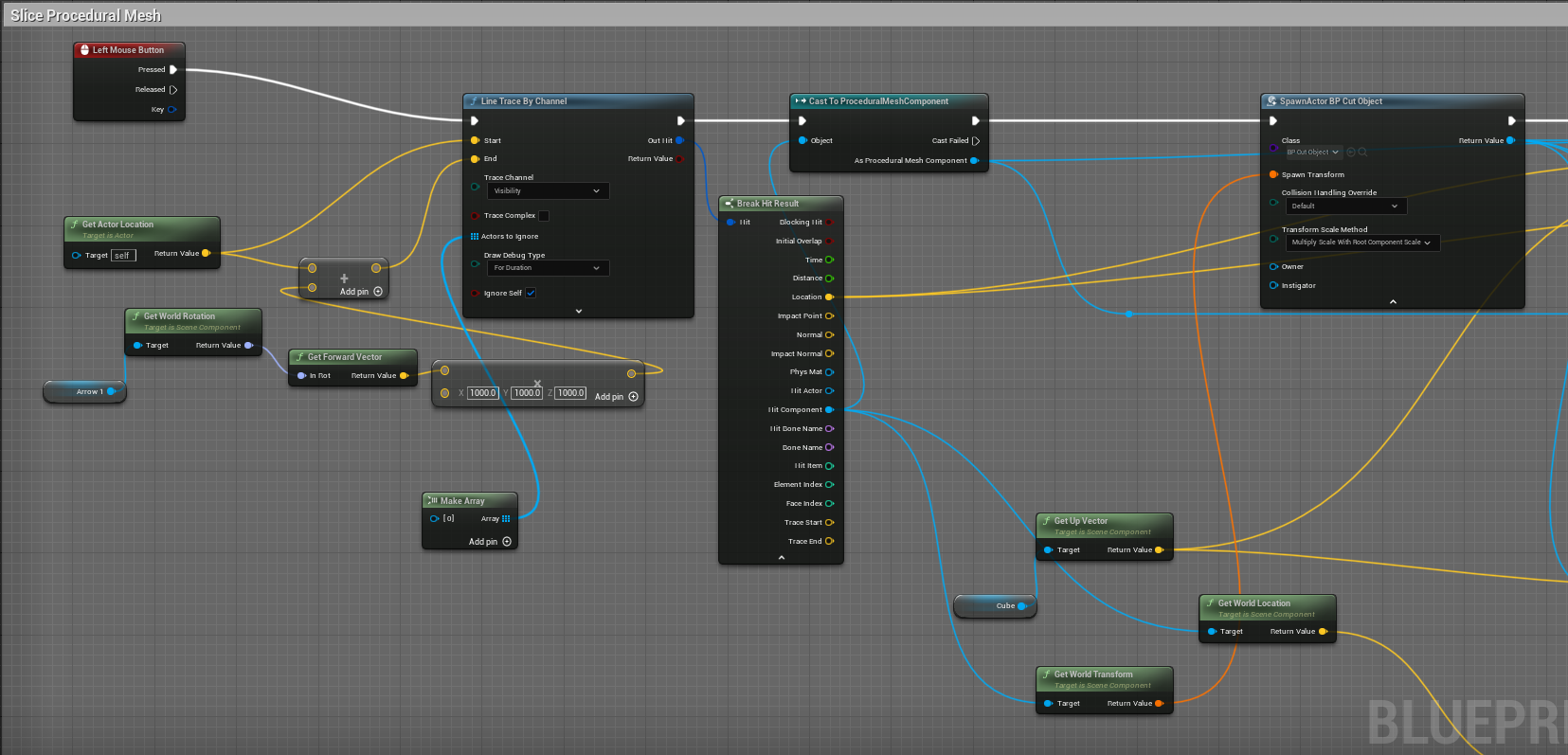
One of the most technically challenging features was allowing users to cut objects dynamically while the application was running. A normal static mesh is meant to be rendered efficiently, but you can’t really change the geometry continuously at runtime. To make objects sliceable, I made BP_CutObject which copied the geometric properties of the original Static Mesh Component into a Procedural Mesh Component. This new procedural mesh can be broken into smaller pieces when a user decides to cut the piece. To make a slice, the user points in a certain direction and presses a button on their controller, which creates a line that extends in that direction. I used a cast to ProceduralMeshComponent to make sure the object they hit is actually sliceable so that they don't accidentally slice unrelated actors or geometry that is not procedural. Users can also grab and orient the object and make slices in different directions to shape their piece how they want.
Proximity Object Attachments
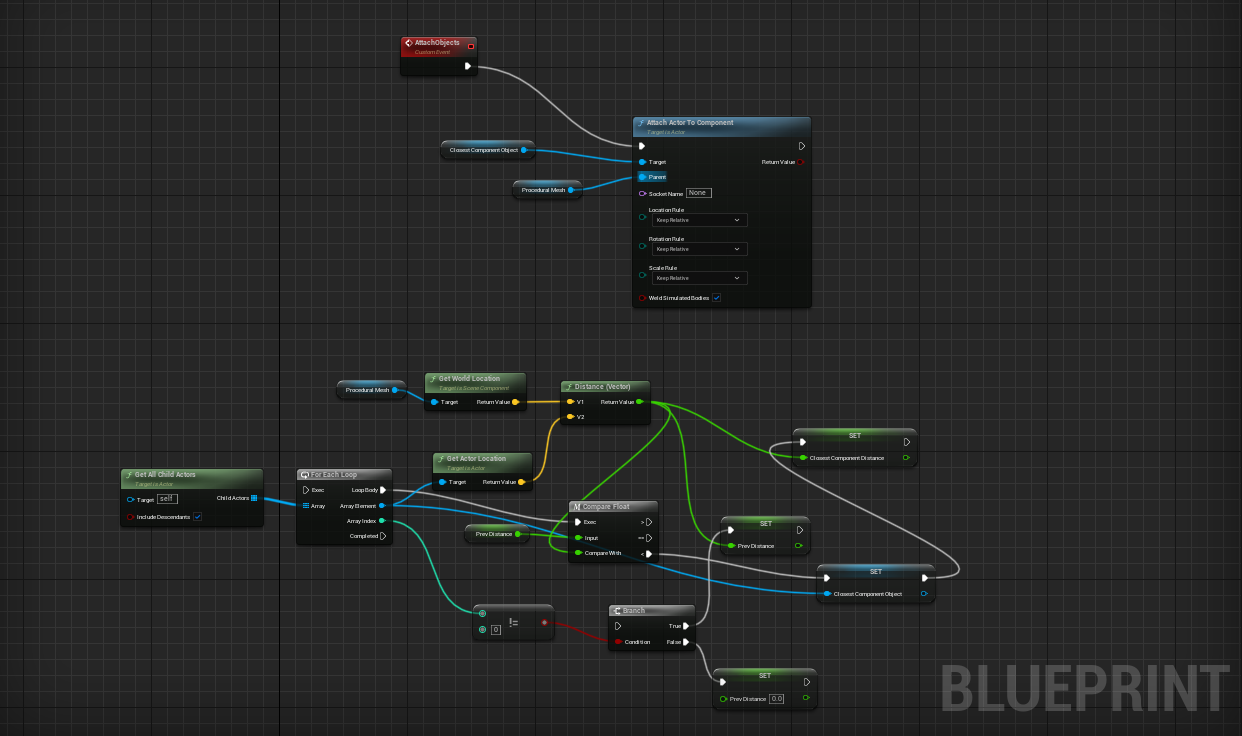
I also prototyped some logic for gluing pieces together in the makerspace. Basically the system would retrieve all available child actors of a procedural mesh and iterate through them using a for each loop. For every object, it compared its world position with the selected procedural mesh’s world position. Once this search is done, the closest object is passed into Attach Actor to Component, which would connect it to that selected procedural mesh as if they were glued together.
Multiplayer Sessions
Since the makerspace is meant to allow people to collaborate remotely, users need to be able to enter the same virtual environment and interact with each other. The multiplayer system used Epic Online Services and Unreal’s Online Subsystem EOS, and the multiplayer state was managed through BP_GameInstance. It also uses EOS lobbies to allow users to either create a session or join an existing session after logging in.
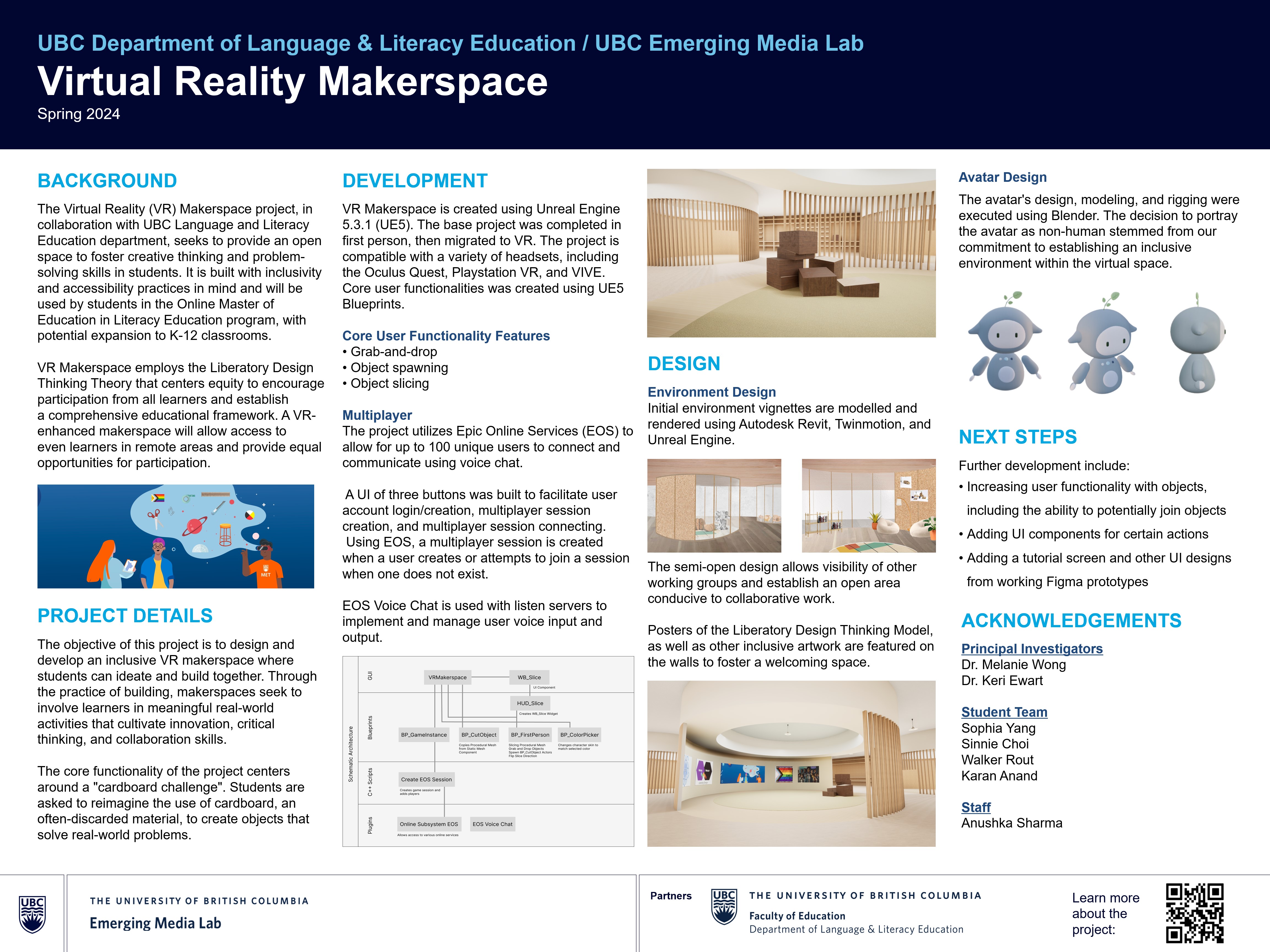
Conference Poster
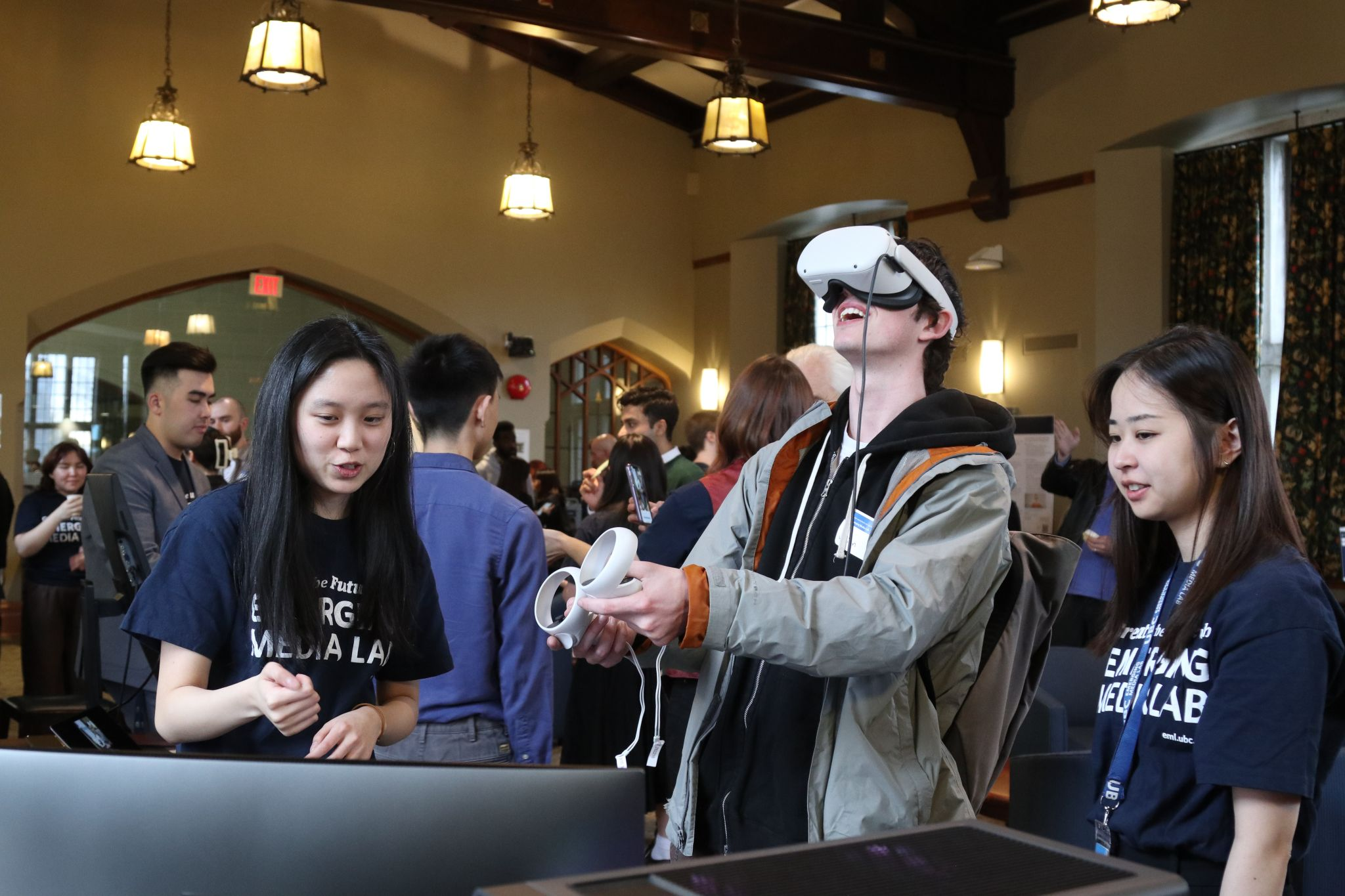
This poster was presented at the annual Emerging Media Lab Showcase.